First, here are two screenshots of the new features:
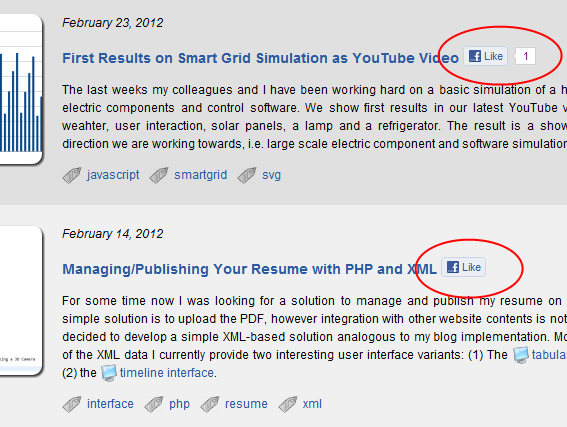
The left screenshot shows the Facebook like button on the article list pages. In fact, you can find the button anywhere where an article is linked. This way, each article link is enriched with information from the community. The blog visitor can use this information to navigate to interesting content. By liking an article the visitor has the possibility to indicate interesting articles to other visitors.
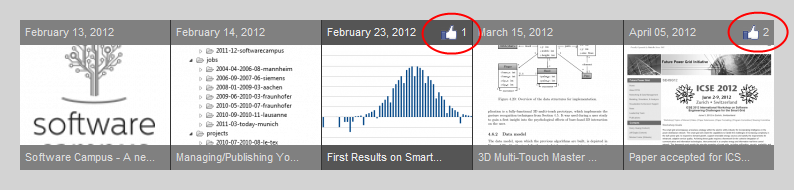
The right screenshot shows the timeline navigation. When reading an article, the timeline navigation provides links to older and more recent articles. This way the visitor can browse through the blog in chronological order. Again, the article links are enriched with community likes to point out interesting content.
I hope you like the new features.
If so, you can tell me via Facebook! ;-)