This new concept essentially means that only one article at a time is being displayed.
For the displayed article all information (date, title, tagline, and images) is provided.
Through the (p)revious and (n)ext keys the user can switch between the articles.
Interaction with the mouse is not necessary.
To make the interface more attractive the images are provided both as thumbnails below the article tagline and as a slideshow in the right part of the interface.
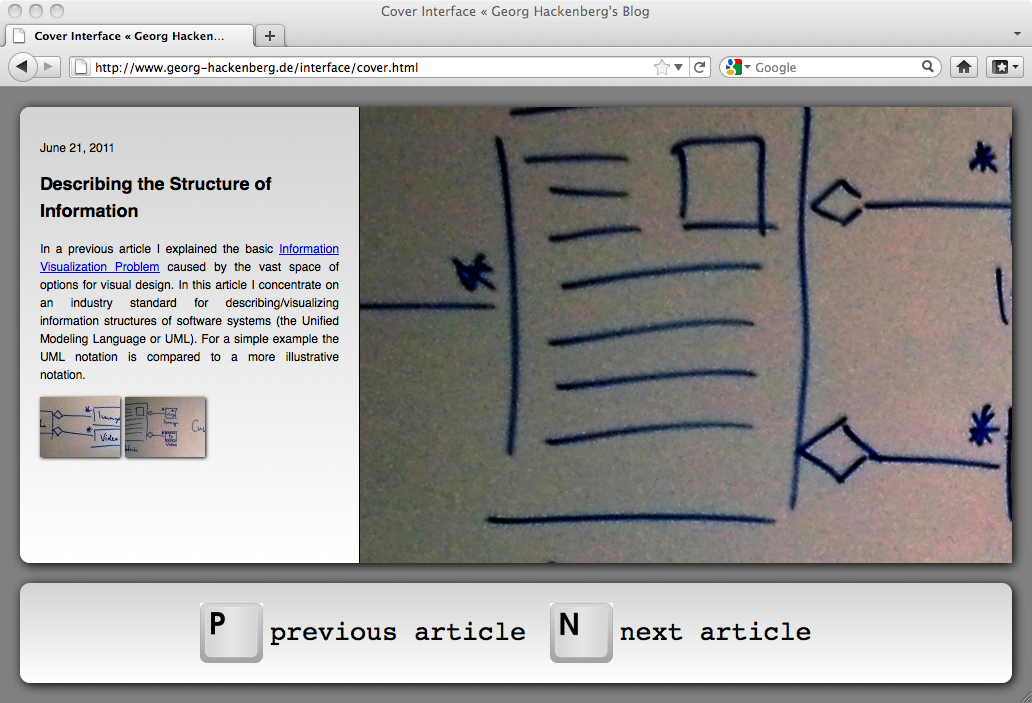
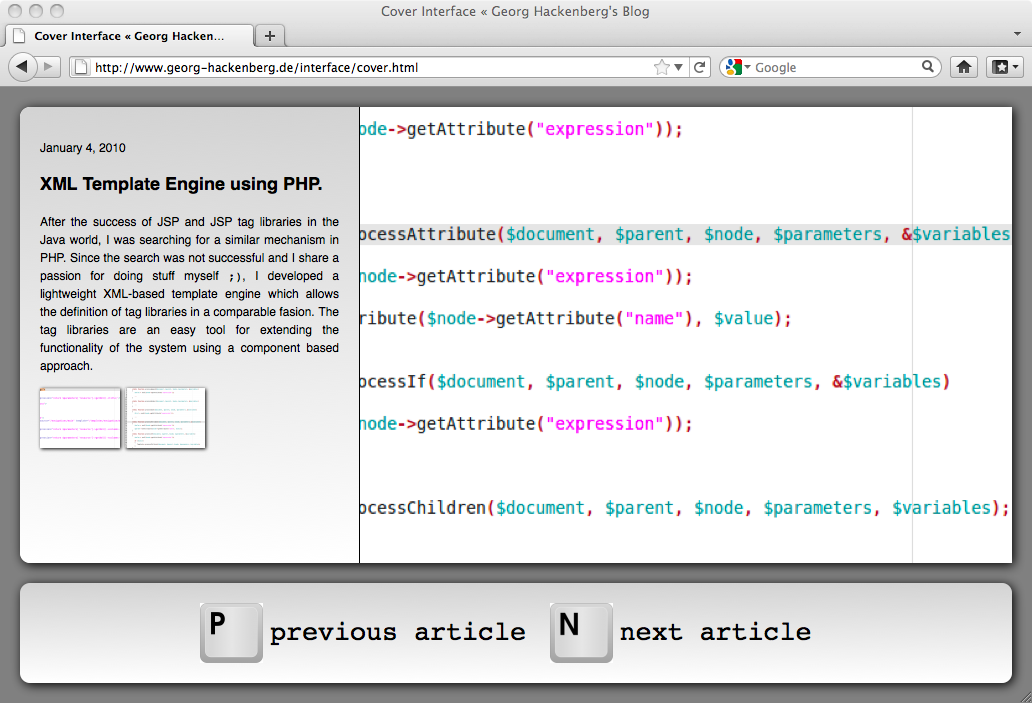
The idea was actually inspired by two concepts: The article tiles and the standard cover flow. In the future it might be interesting to extend the interface with a flow-style animation when switching between articles. Also a widget showing the current position in the timeline could facilitate navigation through the articles. However, to scale to large numbers of articles only an excerpt from the timeline might be interesting.